
Loading 3D Viewer
Loading model...
State 0 / 0
Interactive mode
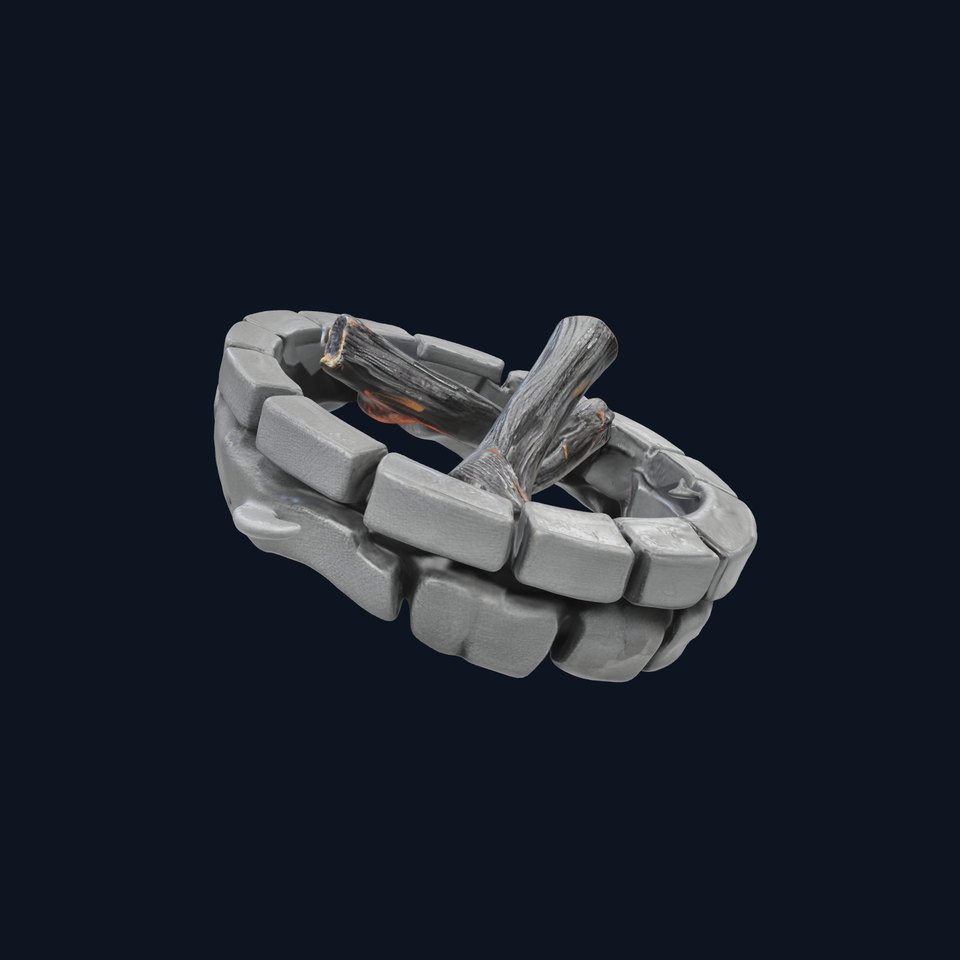
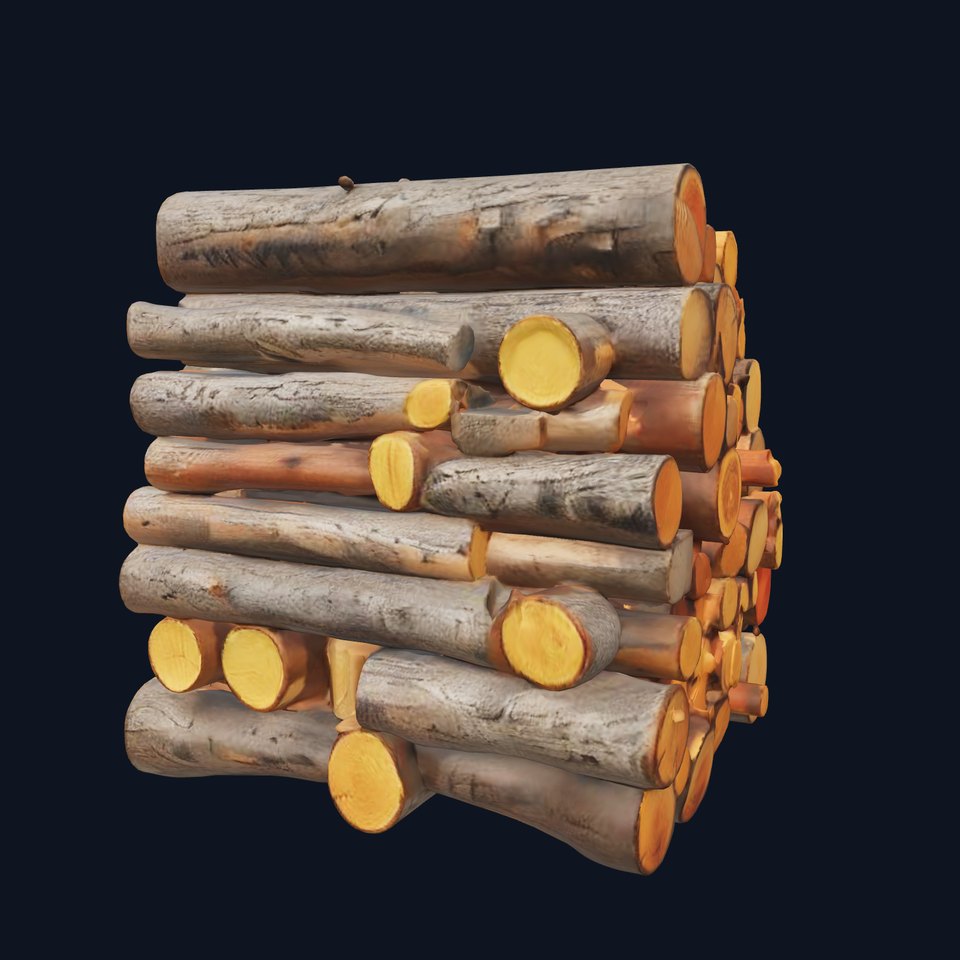
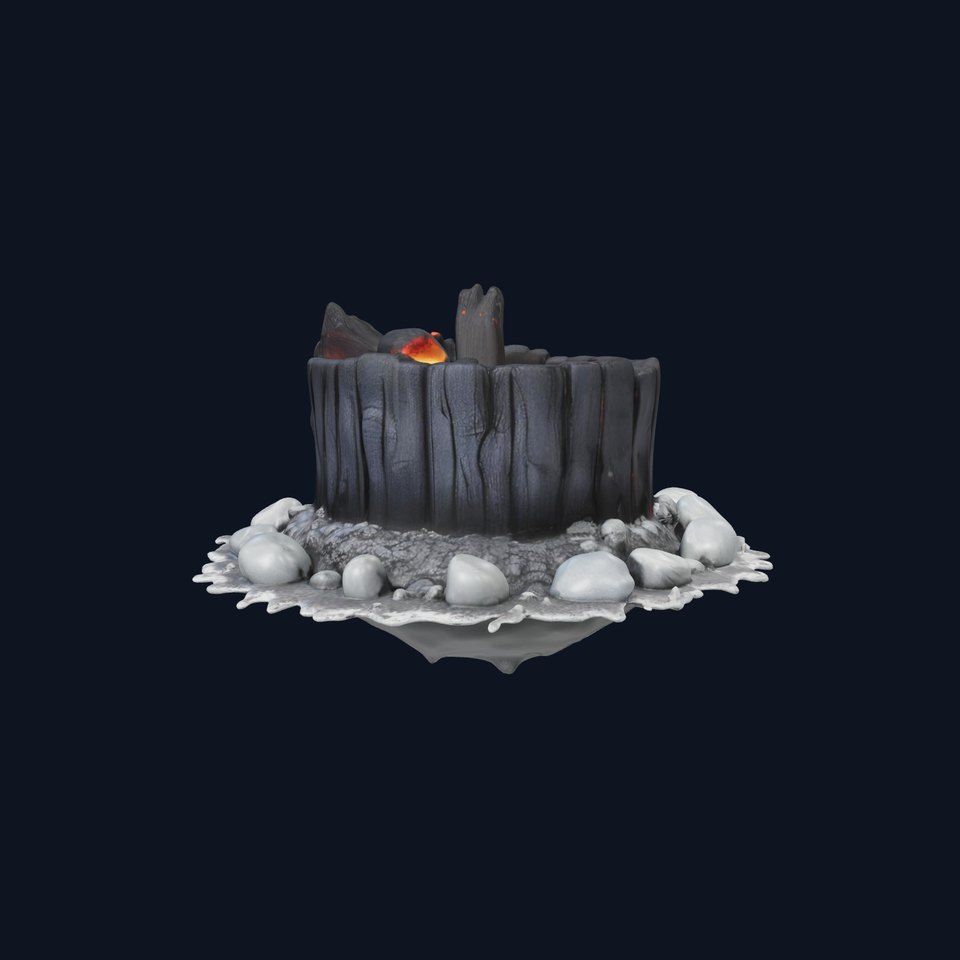
Campfire and Logs Model Pack for Realistic Virtual Environments is a free 3D model page with production-ready formats and metadata. Category: Various. Available formats include .FBX, .GLB, .MAX, .BLEND. Search terms: campfire and logs model pack for realistic virtual environments, campfire logs realistic virtual environments, campfire and logs model, campfire.
Choose topology first, then the corresponding direct file format. ZIP archives are no longer used for product downloads.
PBR texture set is declared for this asset.
Campfire and Logs Model Pack for Realistic Virtual Environments is a free 3D model in the Various, specifically Various models, available for production use and rapid prototype integration on Free3D Online. Available formats include .FBX, .GLB, .MAX, .BLEND. Topology variants: low-poly, middle-poly, high-poly. PBR textures are declared (4096*4096). Find this asset using...
Campfire and Logs Model Pack for Realistic Virtual Environments is a free 3D model in the Various, specifically Various models, available for production use and rapid prototype integration on Free3D Online
Available formats include .FBX, .GLB, .MAX, .BLEND
Campfire and Logs Model Pack for Realistic Virtual Environments exposes .FBX, .GLB, .MAX, .BLEND on the canonical product page. Review the direct download area, format selector and metadata before opening a download flow.
Use the page metadata, topology summary and preview assets together. Current page data describes low-poly, middle-poly, high-poly, plus textures and category placement when those fields are available.
Use the category hub, keyword chips, related models block and canonical search links on this page. Those routes are published as stable discovery surfaces for both users and crawlers.